
Free Online Image Resizer
Scale up to 10 images proportionally by pixels or percentage in seconds.
Clear All & Start Over
Resizing for a platform?
UpaiPic Resizer Features: Precision Control & Bulk Scaling
UpaiPic provides a robust environment to resize your visual assets in bulk. Unlike traditional converters that force you to upload files to a remote server, our tool leverages native browser technology to process everything directly within your device. This means zero upload time, instant resizing, and absolute privacy for your sensitive files.
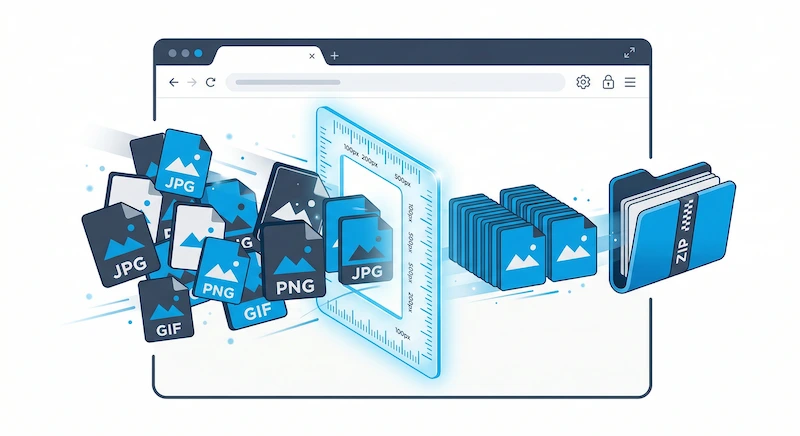
Whether you are prepping photos for an online gallery, ensuring consistent dimensions for an e-commerce catalog, or reducing dimensions for email attachments, our platform handles it effortlessly. Upload up to 10 images simultaneously, utilize the precision dashboard to set exact pixels or select a quick scale percentage, and download them neatly packaged in a ZIP archive.
Pixel-Perfect Image Scaling Without Quality Loss
One of the biggest concerns when changing image dimensions is the potential degradation of visual quality. Shrinking an image poorly can lead to jagged edges, while enlarging often causes heavy pixelation.
UpaiPic solves this by utilizing native browser hardware acceleration and high-quality interpolation algorithms. When scaling down, our engine ensures edges remain crisp and details are preserved. While enlarging small images significantly will naturally reveal pixel limits, our tool applies the smoothest possible rendering available natively on your device, preventing the harsh artifacting common in cheap online tools.
Why Bulk Resizing is Critical for Digital Creators
Consistency is key in modern web design. If you manage a website or a social media feed, serving images of vastly different sizes can break layouts and trigger layout shifts (CLS), negatively impacting your Core Web Vitals. By integrating UpaiPic's batch resizer into your workflow, you guarantee that every visual asset is scaled uniformly, ensuring your web pages render beautifully and load rapidly across all devices.
If you're prepping content for a specific platform — like an Instagram square post (1080×1080), portrait (1080×1350), Reel/Story (1080×1920), or profile avatar — try our dedicated Instagram image resizer instead. It applies a center-crop algorithm so you get the right aspect ratio in one click, with no manual cropping followed by resizing.
Frequently Asked Questions
Can I resize multiple images at once?
Yes, you can upload up to 10 images simultaneously. Set custom pixel dimensions or select a scale percentage, and our tool will batch resize them and package them into a single ZIP file for easy downloading.
How do I resize an image without stretching it?
Ensure the 'Lock' (🔒) icon is active between the Width and Height inputs. This forces the image to maintain its original aspect ratio. When you type a new Width, the Height will automatically calculate to prevent distortion.
Is my data safe?
Absolutely. All resizing happens entirely within your web browser. We never upload your images to our servers, ensuring your private data remains completely secure.
What size should I use for Instagram posts?
Instagram displays feed posts at 1080px wide: square (1080×1080), portrait (1080×1350), or landscape (1080×566). Stories and Reels are 1080×1920, and the profile picture is cropped to a 320×320 circle. Use our Instagram resizer to pick a preset and get the exact dimensions in one tap — it center-crops to match the aspect ratio so nothing gets stretched.